

Shared Packages
A package gathers ready-made funnels, pages and products into a single item that someone else imports straight into their account. It is the format producers use to hand affiliates a structure that is ready to sell.
Before you start: creating and publishing packages requires the Owner or Administrator role. See roles and permissions.
How the screen is organised

The Packages area separates the two sides of the relationship:
- My packages — the ones you created to distribute.
- Imported packages — the ones you received from someone else and brought into your account.
- Packages I am an affiliate for — the ones you joined as an affiliate.
Create and publish
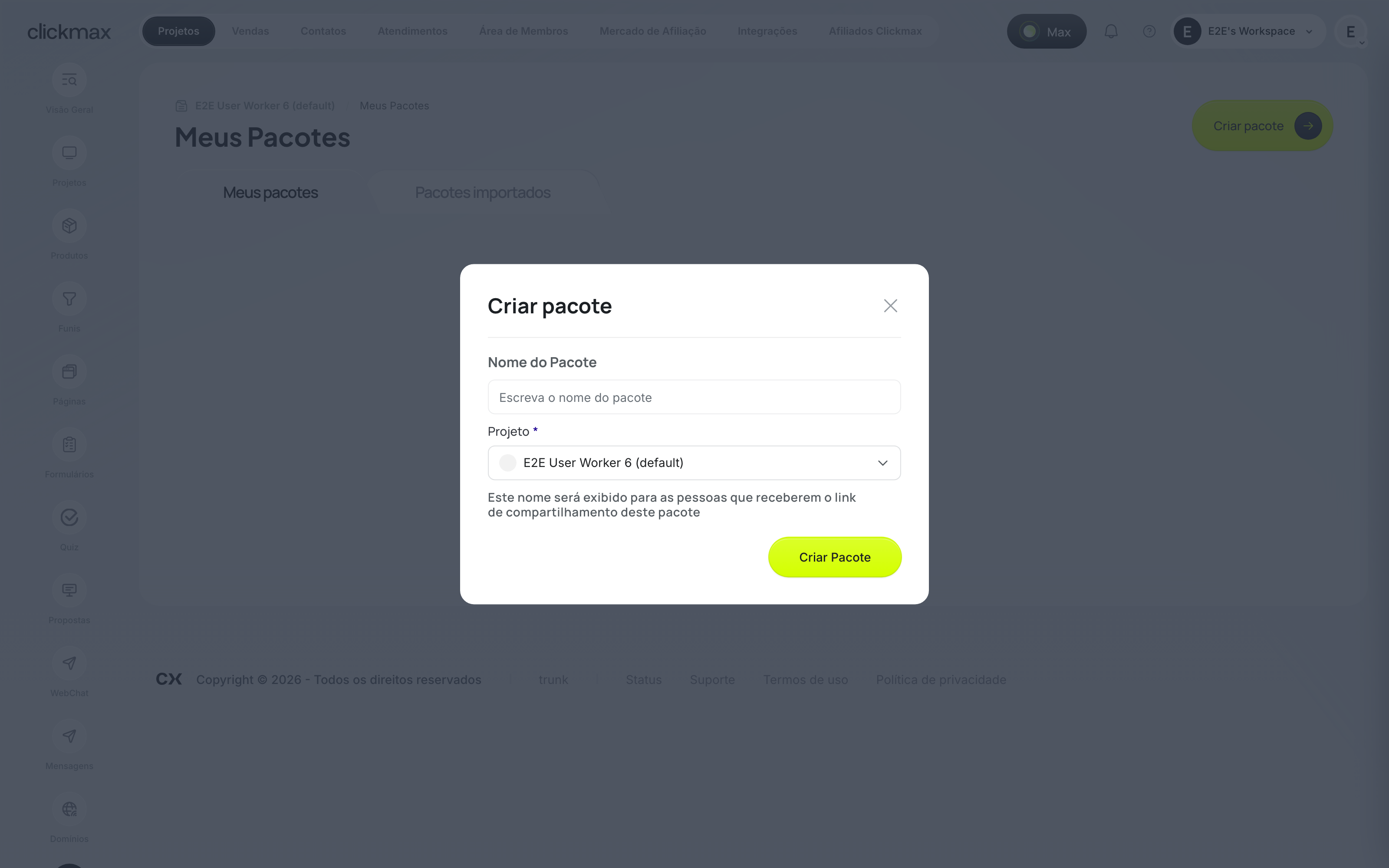
- In Packages, click Create package.
- Give it a name and a description — the description is what the affiliate reads before importing.
- Add the funnels, pages and products that make up the package.
- Enable affiliation if you want whoever imports it to be able to sell as an affiliate.
- Publish.
A package can be published with warnings — these flag items that need attention but do not block distribution. Once published, you share the link and track how many affiliates imported it under My Packages.
When you improve the material, anyone who already imported it can update the package to the latest version.
Related
- Products
- Affiliates
- Shared package for producers — the full creation flow.
- Import a package as an affiliate
If it didn't work
- Publishing returns warnings: review the flagged items before sharing the link.
- Whoever imported it cannot see the product: check that affiliation is enabled on the package.
- The create button does not appear: see permissions.